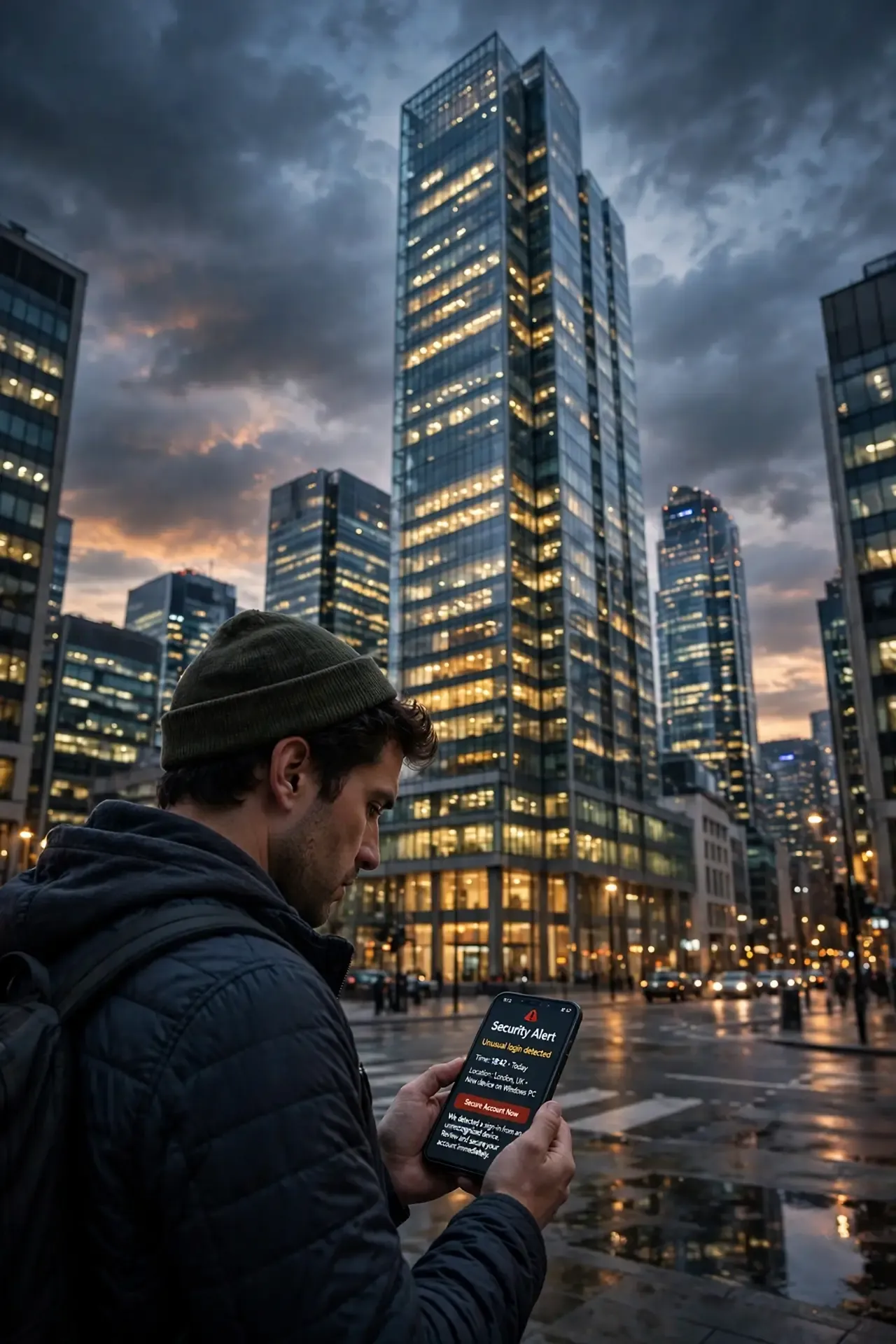
Phishing is a scam in which criminals pretend to be someone you trust to get you to hand over information, send money, or install malware. It often arrives as an email or text, but it can also come through a phone call, social media message, or QR code. The best defense is simple: slow down, and check any unexpected request using a phone number or website you already trust.
The FTC describes phishing as the use of fake emails, texts, or calls to get valuable personal information, such as account numbers and passwords. CISA adds that these messages may also use harmful links or attachments to infect your device.
It happens on a huge scale. The Anti-Phishing Working Group observed 853,244 phishing attacks in the last quarter of 2025 alone. In the UK, the public has reported 55.7 million suspicious emails to the National Cyber Security Centre's reporting service since 2020.
Common types of phishing
Type | How it reaches you | Common example |
|---|---|---|
Email phishing | Mass email | A fake security alert from your bank or email provider |
Spear phishing | Personalized email or message | A message that mentions your job or a real project |
Smishing | Text message | A fake delivery fee or unpaid toll notice |
Vishing | Phone call | A caller claiming to be from your bank's fraud team |
Quishing | QR code | A code in an email or on a poster that opens a fake login page |
Business email compromise | Email that appears to come from a colleague or supplier | An urgent request to pay a new invoice or change bank details |
QR codes are worth extra care, because you can't always see where they lead before you scan them. Microsoft reported a surge in QR code phishing in early 2026.
Warning signs to look for
CISA's common warning signs include urgent language, requests for personal or financial information, unexpected attachments, poor writing, and incorrect addresses or links. In practice, watch for these:
Pressure to act now: threats that your account will close or that you'll face a fine.
Requests for sensitive information: passwords, one-time codes, or card details.
A sender or link that's slightly off: a misspelled domain such as "amazan.com", or a link that doesn't match the real site.
Unexpected attachments or invoices: especially for something you don't remember buying.
Unusual payment requests: gift cards, cryptocurrency, or a sudden change of bank details.
An offer that seems too good: a surprise refund, prize, or job.
A request to keep it secret: or to avoid checking with anyone else.
Good spelling and a professional design don't prove a message is real. Scammers can copy logos and write convincing messages, and they often use familiar company names or pretend to be someone you know. Judge the request as well as how it looks.
How to prevent phishing
For everyone
Check through a trusted route. Don't use the links or phone number in the message. Go to the official website or app yourself, or call a number you already know.
Don't engage with suspicious messages. CISA advises against replying or clicking any attachment or link, including an "unsubscribe" link.
Never share one-time codes. Your bank or email provider shouldn't need you to read a sign-in code out to a caller.
Use multifactor authentication. CISA recommends it for all accounts that offer it. Use a passkey or security key where available, as these are harder to phish than codes.
Use a password manager. Use a different password for each account, and let the manager fill them in. If it doesn't offer your login, check that you're on the right site.
Keep your software updated. Turn on automatic updates for your devices, browser, and apps.
Be careful with QR codes. Check the web address before you enter any details, and don't trust a code just because it appears in an email or on a sticker.
For businesses
Train with real examples: focus on how to spot and report a message rather than punishing mistakes.
Make reporting easy: give staff one simple way to report suspicious messages.
Require a second check for payments: confirm any new or changed bank details by phone, using a number already on file.
Secure your email: use spam filtering, multifactor authentication, and email authentication such as SPF, DKIM, and DMARC.
Limit access: give people only the access they need, so one stolen account can do less damage.
Plan your response: make sure staff know who to contact and what to do if someone clicks.
What to do if you clicked
Don't panic, and don't be embarrassed. Acting quickly matters most.
Stop. Don't enter anything else, and close the page.
Change affected passwords. Use a device you trust, starting with the account involved and any others that share the same password. Turn on multifactor authentication.
Call your bank right away if money or card details are involved. Use the number on your card or the bank's official website.
Scan your device. Run a security scan if you downloaded a file. Disconnect from the internet first if you think the device is infected.
Tell your IT team if it's a work account. Do this even if nothing seems wrong.
Watch your accounts. Look for unfamiliar sign-ins, transactions, or email forwarding rules.
Report it. Your report can help protect other people.
Where to report phishing
Country | Suspicious message | If you lost money or data |
|---|---|---|
USA | Your email provider, or the FTC | Your bank, the FTC, and the FBI's IC3 |
UK | Forward emails to report@phishing.gov.uk and texts to 7726 | Your bank and Report Fraud |
Australia | Scamwatch | Your bank, ReportCyber, and IDCARE for identity support |
In Scotland, the official advice may differ for fraud reports, so check Police Scotland's guidance.
The simple rule to remember
You don't need to spot every clever trick. Treat any unexpected request for money, passwords, or personal details as a reason to pause, then check it yourself through a route you already trust.
Sources
Anti-Phishing Working Group. Phishing Activity Trends Report, 4th Quarter 2025. February 2026.
CISA. Recognize and Report Phishing.
CISA. Secure Our World campaign announcement.
Cybersecurity Dive. Report on Microsoft's email threat findings.
GOV.UK. Avoid and report internet scams and phishing.
HW-PC.gov.uk. Notice on suspicious email reports.
Military Consumer (FTC). Phishing guidance.
Military Consumer (FTC). Further phishing guidance.
Teknologize. How to Recognize and Report Phishing, summarizing CISA guidance.