
On Monday, 16 November 2026, millions of people visited some of the most trusted websites on the internet — the BBC, CNN, Zoom, IKEA, HSBC — and were quietly served malicious code. Nobody had to click a dodgy link or download anything. The websites themselves were not hacked. A tool they all used was.
The tool was Optimizely, a popular website-testing platform. An attacker slipped bad code into Optimizely, and Optimizely's own servers then delivered it to every visitor of 178 organisations' websites. Security researchers have named the campaign OPTIMJACK. If you used any of those sites on 16 November, a few simple checks are worth doing now.
What happened
Security researcher Scott Helme first spotted the attack. His team at Report URI checked 1,611 Optimizely snippets — the small code pieces websites add to run Optimizely — and found 188 infected, across 178 organisations.
The first infected snippet was spotted on the BBC at 04:21 UTC on 16 November. From there the poisoned code reached visitors of CNN, Fox News, Zoom, Salesforce, GitLab, HSBC, IKEA, Ledger, Equifax, Starbucks and many more.
Optimizely confirmed the incident on 17 November: an attacker exploited a flaw in the signup flow of its Web Experimentation product, got into customer projects, and added malicious JavaScript. Optimizely says it closed the flaw on 16 November, removed the code, ended active sessions, revoked tokens, and notified every affected customer. The last infected files were clean by 23:11 UTC, so the exposure lasted around 17 hours, and fewer than 5 percent of its customers were affected.
Researchers estimate the poisoned scripts may have loaded on around 34 million page visits during that window.
What the malicious code did
The injected code was a small program of about 30 KB with four separate jobs.
It swapped crypto wallet addresses
The first job was a crypto clipper. When a visitor copied a crypto wallet address on an affected page, the code quietly replaced it with the attacker's own address. If the visitor pasted and sent the payment without checking, the money went to the attacker. It covered Bitcoin, Ethereum, Solana, Dogecoin, Litecoin and other major coins.
It tried to steal card details
The second job was a card skimmer. When a visitor typed card details into a form on the website itself — a checkout page, for example — the code copied the number, expiry date and security code and sent them to the attacker.
There is an important limit. The skimmer could only read details typed into the website's own forms — hosted payment pages, such as Stripe checkout windows, were out of its reach. And Optimizely says card capture is not yet confirmed: the code was built to steal cards, but nobody has confirmed how many, if any, were actually taken.
It stole cookies and screenshots, and targeted older iPhones
The third job collected readable browser cookies and took screenshots of the page, which can be used to hijack logged-in sessions.
The fourth job targeted iPhones and iPads running older software. On those devices the code tried to load exploit kits called Coruna and DarkSword. No confirmed device takeover has been reported. Apple devices on iOS 18.7.3 or later, or iOS 26.3 or later, are protected.
How the attackers got in
The attackers did not break into the BBC, CNN or any other victim site. They broke into Optimizely — and then used Optimizely's own delivery system against everyone else.
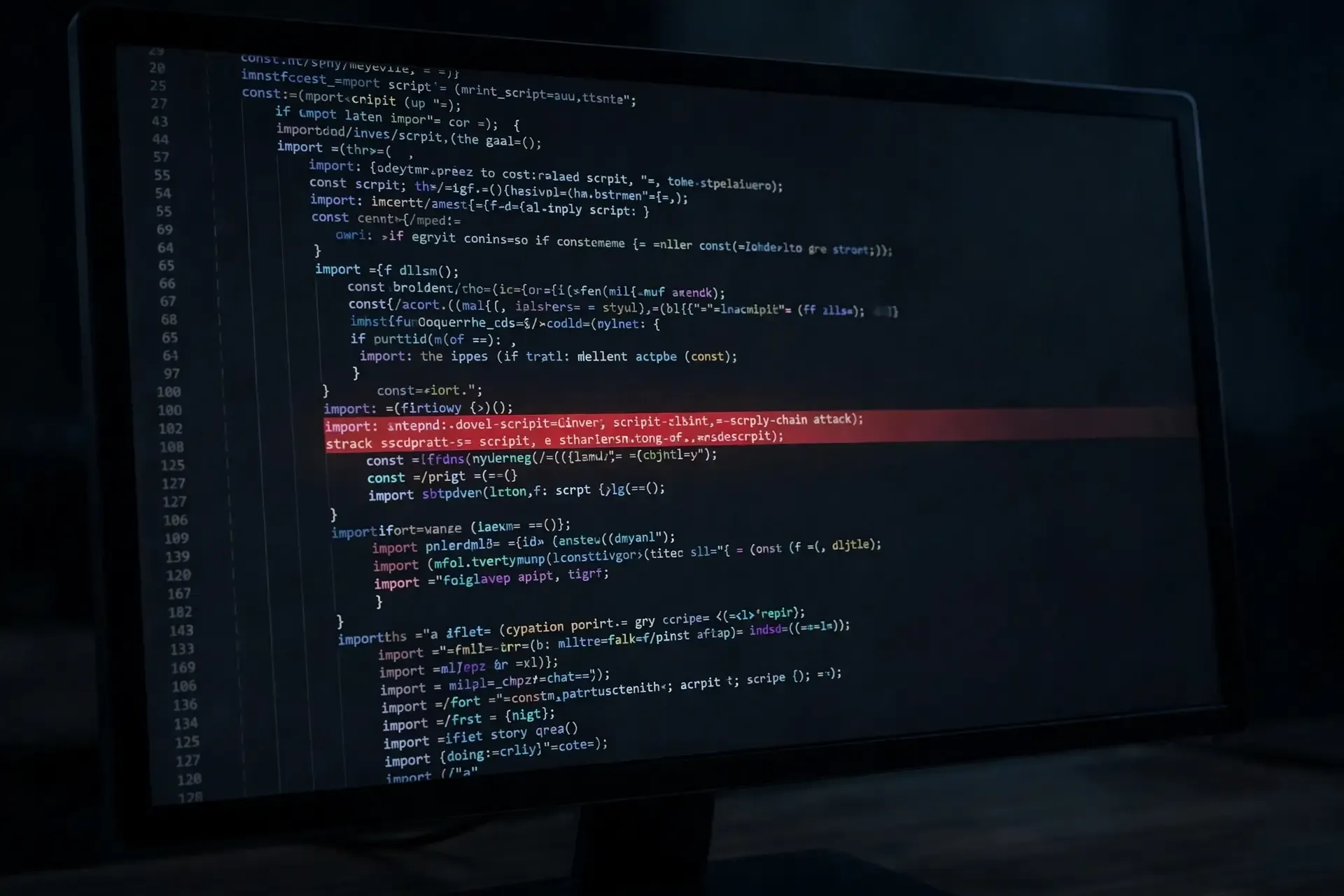
According to Optimizely, the flaw was in the signup flow for new Experimentation accounts. The attackers used it to impersonate existing administrators, apparently by guessing email-address variations of employees' names. Once inside a customer project, they wrote malicious code into a field called Project JavaScript — a custom-code box that runs on every page.
Because the code came through Optimizely's normal system, it carried Optimizely's own security certificate. Browsers showed no warning, and the sites had no reason to suspect anything.
The attackers' main payload domain, 1688360.cc, and a second domain, webshell.lol, were suspended early on 17 November. Who the attackers are is still unknown. Researchers note the same actor controls another domain, pay-cloud.online, used for other attacks since at least September.
How much was stolen
Researchers traced about $7,040 in cryptocurrency to the attackers' wallets by 19:25 UTC on 16 November; the wallets were emptied early the next morning. A small haul for an attack of this size — most visitors either were not paying with crypto, or checked the address before sending.
The bigger question — how many card numbers were captured — still has no answer. Optimizely says it has no evidence personal data was exfiltrated, but that is not proof nothing was taken, so check your own accounts rather than assuming you are safe.
Salesforce, one of the affected companies, has published its own response: it disabled Optimizely scripts across its preview and production sites, said it has no evidence its platform or subscription services were affected, and is still investigating.
What to do if you visited one of these sites on 16 November
You do not need to panic, but do these five checks:
1. Check your card statements. Look for anything unfamiliar, including small test charges. If you spot something, contact your bank or card provider straight away — most banks will block and replace a card quickly.
2. Check any crypto payments. If you sent cryptocurrency on 16 November, check the destination address on the transaction. If the money went to an address you do not recognise, report it to your exchange and keep a record.
3. Update your iPhone or iPad. Go to Settings, then General, then Software Update. You want iOS 18.7.3 or later on older devices, or iOS 26.3 or later on newer ones.
4. Change passwords if you logged in. If you signed in to an affected site on 16 November, change that password — and use a password manager to keep a different, strong password for every site, so one leak never opens all your accounts.
5. Turn on transaction alerts. Most banking apps can notify you the moment a payment is made, so if a stolen card is ever used, you find out within seconds.
If you only read articles on those sites on 16 November, your risk is low — the code was after payment details, crypto addresses and logged-in sessions.
What website owners should check
If your own website runs Optimizely, compare your Project JavaScript against a known-good copy, rotate your Optimizely users, API tokens and integrations, and treat any card entries and session cookies from 16 November as exposed. The wider lesson: keep third-party testing scripts off login and checkout pages, and tighten your Content Security Policy so one trusted supplier cannot silently run code everywhere.
Why this matters
This was not a phishing email or a fake website. It was a real website, serving real content, with a poisoned script hiding inside a tool the site trusted. That is what makes supply-chain attacks so hard to spot — the danger comes through a door you opened yourself, for a good reason.
The good news: the attack was found within hours, the code is gone, and the confirmed theft is small. But millions loaded the code, and nobody can yet say exactly what was taken from whom. So check your statements, update your phone, and if you run a website, check what your third-party tools can do on your pages.
Sources: Report URI and Scott Helme; Optimizely incident report and status page; StepSecurity ThreatCluster; Salesforce; Infosecurity Magazine; Cato Networks; Phoenix Security.