

Most new online businesses only need a store platform, a way to take payments, email marketing, shipping software, analytics, and basic customer support. Shopify is a strong all-in-one choice for many product sellers, while WooCommerce suits people who want more control and already use WordPress. Wix and Squarespace can work well if the store is just one part of a wider website.
You don't need to buy everything on day one. Start with the tools you need to make your first sales, keep costs low, and add more when a real problem appears.
Best e-commerce tools at a glance
US prices as reported in 2026. Prices, promotions, and fees vary by country and plan, so check each official pricing page before you buy.
Job | Tool | Best for | Reported starting cost |
|---|---|---|---|
Store | Shopify | Dedicated online stores | $29/month billed annually, or $39 monthly, for Basic |
Store | WooCommerce | WordPress users wanting control | Free plugin, plus hosting and other costs |
Store | Wix | Beginners wanting a site and store | $29/month for Core, the first plan that sells |
Store | Squarespace | Design-led small stores | Selling starts on Basic, with a 2% store fee |
Payments | Stripe | Flexible online card payments | 2.9% + $0.30 per US online card payment |
Payments | PayPal | Customers who prefer PayPal | 3.49% + $0.49 for US Checkout |
Klaviyo | Store data and automated emails | Free for 250 profiles and 500 sends a month | |
Mailchimp | Simple small business campaigns | Free for 250 contacts and 500 sends a month | |
Shipping | Shippo | Low-volume sellers | Free plan with up to 30 labels a month |
Shipping | ShipStation | Growing order volumes | $14.99/month |
Analytics | Google Analytics | Tracking traffic and sales | Free |
Support | Tidio | Live chat for small stores | Free plan with 50 handled conversations |
The best tools by job
1. Store platform
Shopify handles hosting, checkout, and store management in one service, so it's a practical starting point if selling is your main goal. Basic is reported at $29 a month with annual billing. Using a third-party payment provider can add a 2% fee on Basic, so compare this with Shopify Payments where it's available.
WooCommerce is a free WordPress plugin with no revenue share. You still pay for hosting, payment processing, any paid extensions, and maintenance. It offers more control, but you take on more technical responsibility.
Wix and Squarespace suit businesses that want a good-looking website with a smaller store. Wix requires its Core plan or higher to sell. Squarespace lets you sell on Basic but charges a 2% store transaction fee.
2. Payments
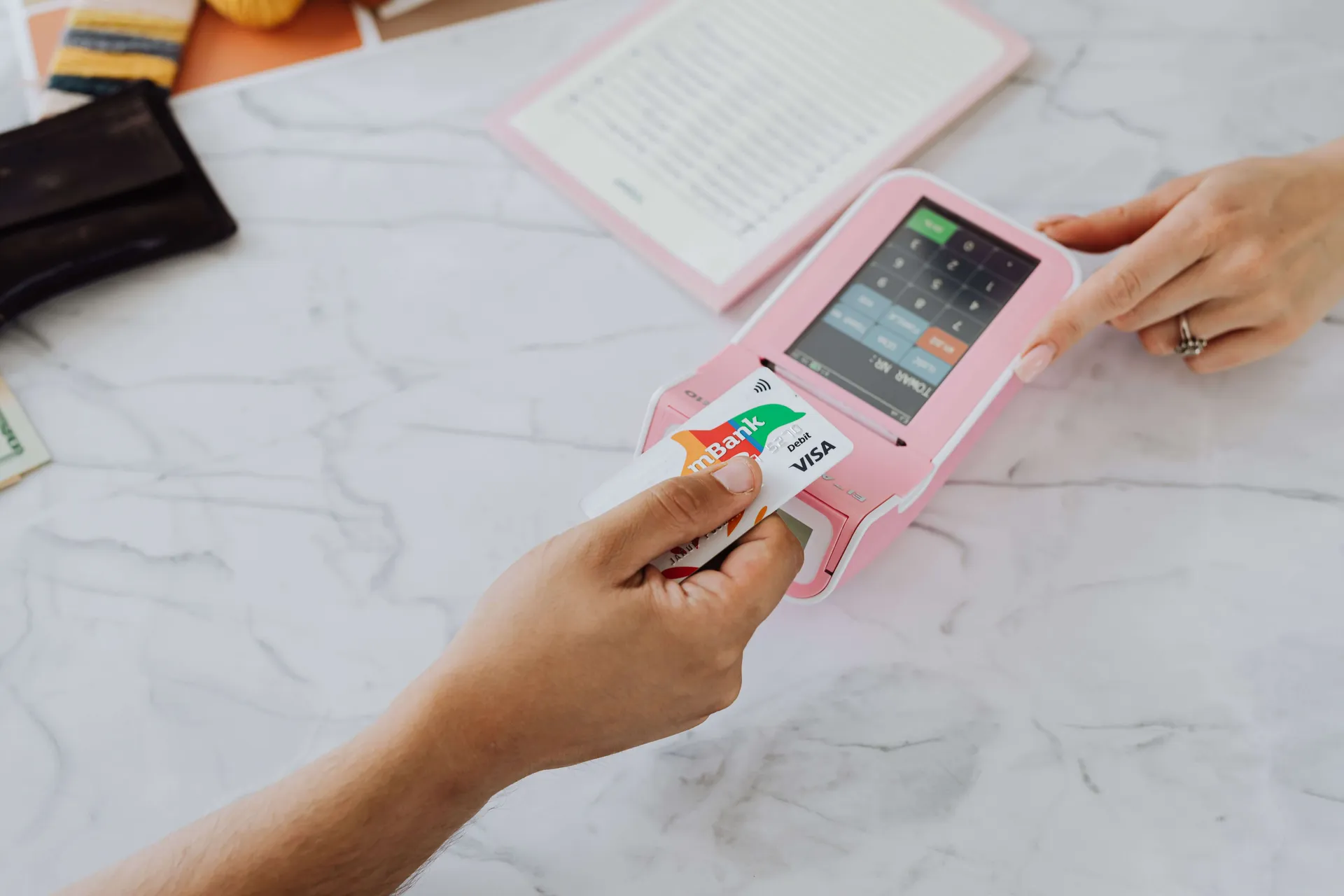
Choose a provider that works in your country and supports the ways your customers like to pay. Stripe reports 2.9% + $0.30 for standard US online cards, while PayPal Checkout is listed at 3.49% + $0.49. Many stores offer both, because some buyers trust and prefer PayPal.
Check international card fees, currency conversion, payout times, and chargeback costs too.
3. Email marketing
Email lets you reach customers without paying for every visit. Klaviyo is built around store data, which helps with abandoned cart and post-purchase emails. Mailchimp is a simpler option for general campaigns. Both reported free plans of about 250 contacts and 500 sends a month, though features differ.
4. Shipping
If you sell physical products, shipping software can print labels, compare carrier rates, and share tracking details. Shippo says its free plan covers up to 30 labels a month. ShipStation starts from $14.99 a month and offers more workflow tools as your orders grow. Your store platform may already offer enough for your first orders.

5. Analytics
Start with your store's built-in reports and add Google Analytics to see where visitors come from and where they drop off. Focus on a few numbers: visitors, conversion rate, average order value, and profit after fees.
6. Customer support
A shared inbox may be enough at first. If customers want quick answers, Tidio offers live chat and a free plan with 50 handled conversations. As order volume grows, a helpdesk built for online stores can show order details beside each support request.
7. Accounting
Connect accounting software, such as QuickBooks or Xero, early so sales, fees, and taxes stay organized. Ask an accountant about the tax rules that apply to the places where you sell.
Three simple starter setups
Your situation | Store | Add first |
|---|---|---|
First-time product seller | Shopify | Built-in payments, Klaviyo or Mailchimp free plan, Google Analytics |
WordPress user wanting control | WooCommerce | Stripe and PayPal, an email tool, Shippo |
Service business or small catalog | Wix or Squarespace | Built-in checkout, Google Analytics, a shared inbox |
How to choose your tools
Decide what you're selling. Physical products, digital products, and services each need different features.
Check that it works where you are. Confirm payment and shipping support for your country and your customers' countries.
Work out the full monthly cost. Include plan fees, payment fees, apps, shipping, and any help you'll need.
Test the checkout yourself. Place a test order on your phone and check the emails customers receive.
Make sure you can leave. Check how to export your products, customers, and orders.
Mistakes to avoid
Buying too many apps early: each one adds cost, and some can slow your store.
Choosing only on the plan price: a cheap plan with higher fees can cost more once sales grow.
Ignoring taxes and policies: make sure your tax setup, returns policy, and privacy notice suit the places where you sell.
Skipping email collection: start building a list from your first visitor.
Forgetting account security: turn on multifactor authentication for your store, payment, and email accounts.
The best setup is one you can run well today. Launch with the essentials, watch where you lose time or sales, and add tools to fix those specific problems.
Sources
Black Belt Commerce. Shopify pricing comparison.
Dreamlit. Klaviyo vs Mailchimp 2026.
E-com Calc Tools. Stripe vs PayPal fees. June 2026.
eSEOspace. How much does WooCommerce cost?. October 2026.
eSEOspace. Wix vs Squarespace. October 2026.
Flexprice. Stripe pricing breakdown 2026.
Qualimero. Shopify fees 2026.
Ringly. Gorgias vs Tidio.
Shippo. Best ShipStation alternatives in 2026. February 2026.
Softwares.com. Shippo vs ShipStation. October 2026.
Website Builder Expert. Wix vs Squarespace vs WordPress.